

in progress...

Liquid Rhythm Push Control PC kaufen

Dieser Inhalt erfordert das Hauptspiel: Liquid Rhythm

Wo kannst du den günstigsten Liquid Rhythm Push Control Steam-Key für PC kaufen? Vergleiche Preise aus 1 Shops und finde unter 1 Angeboten auf XD Deals die beste Option. Aktuell liegt der niedrigste Liquid Rhythm Push Control PC Preis im Keyshop bei 3,99 € (0% Rabatt).

Veröffentlichung: 05 Mai 2014
Keyshops
Nicht verfügbar
Im offiziellen Store kaufen:
3,99 €
Im Keyshop kaufen:
Preisverlauf anzeigen

Offizielle Shops (1)

DRM:
Steam
Steam
Steam
Liquid Rhythm Push Control
Windows
+1
vor 1J
DRM:
Steam
Steam
3,99 €
Historical Low Deal
Historical low

Über Liquid Rhythm Push Control

Liquid Rhythm Push Control - Spielbeschreibung

We at WaveDNA respect the rapid and unstoppable flow of your creativity-- it’s what Liquid Rhythm is all about. But as smooth as Liquid Rhythm is, sometimes you want more than a keyboard and mouse to get the ideas in your head onto the screen.

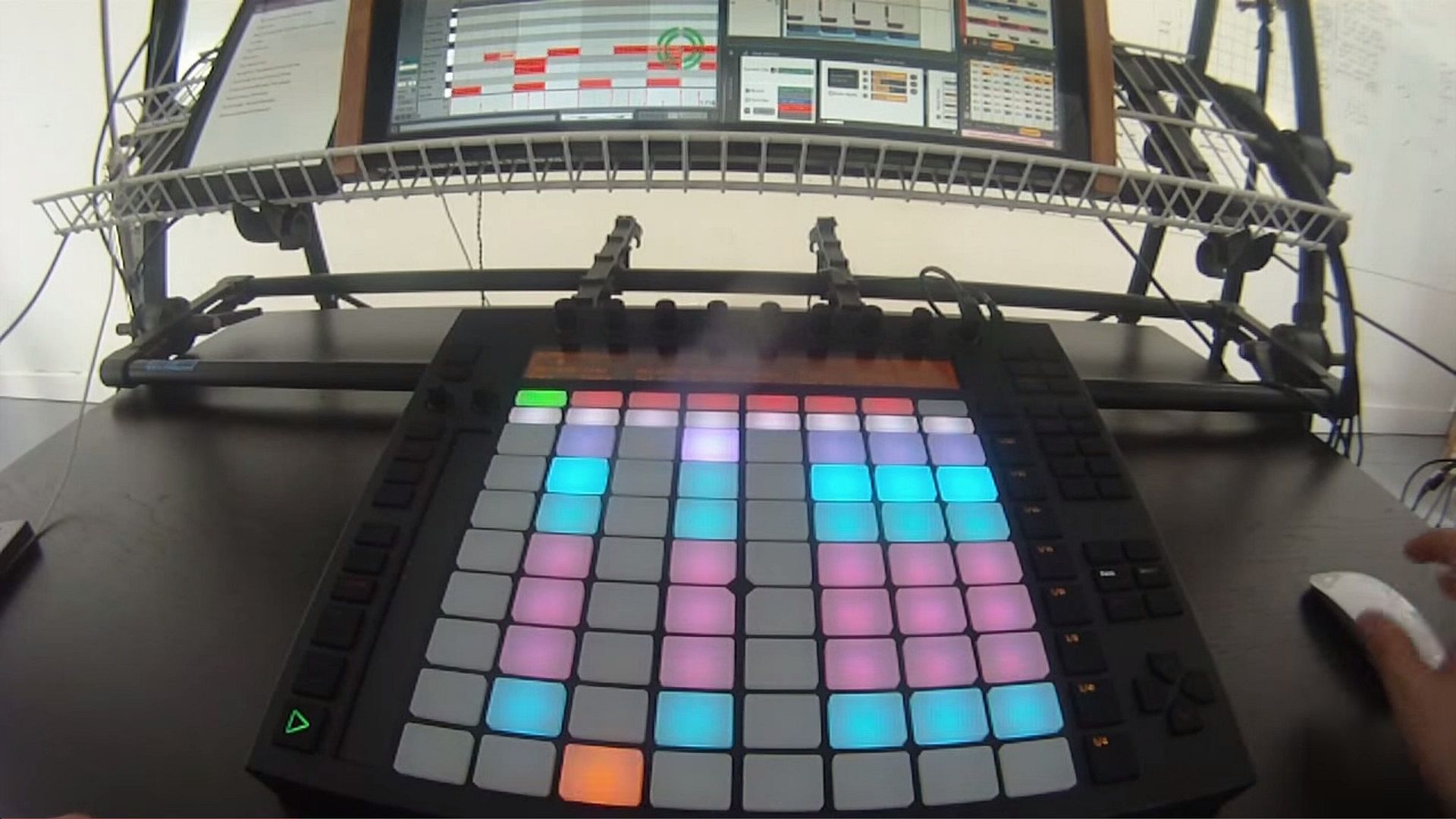
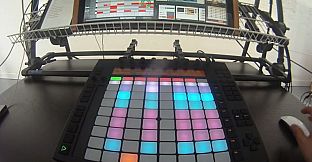
That’s why the wizards in development designed an elegant workflow to make music production with Liquid Rhythm even more tactile: Liquid Rhythm’s MIDI script for Ableton Push in User Mode.

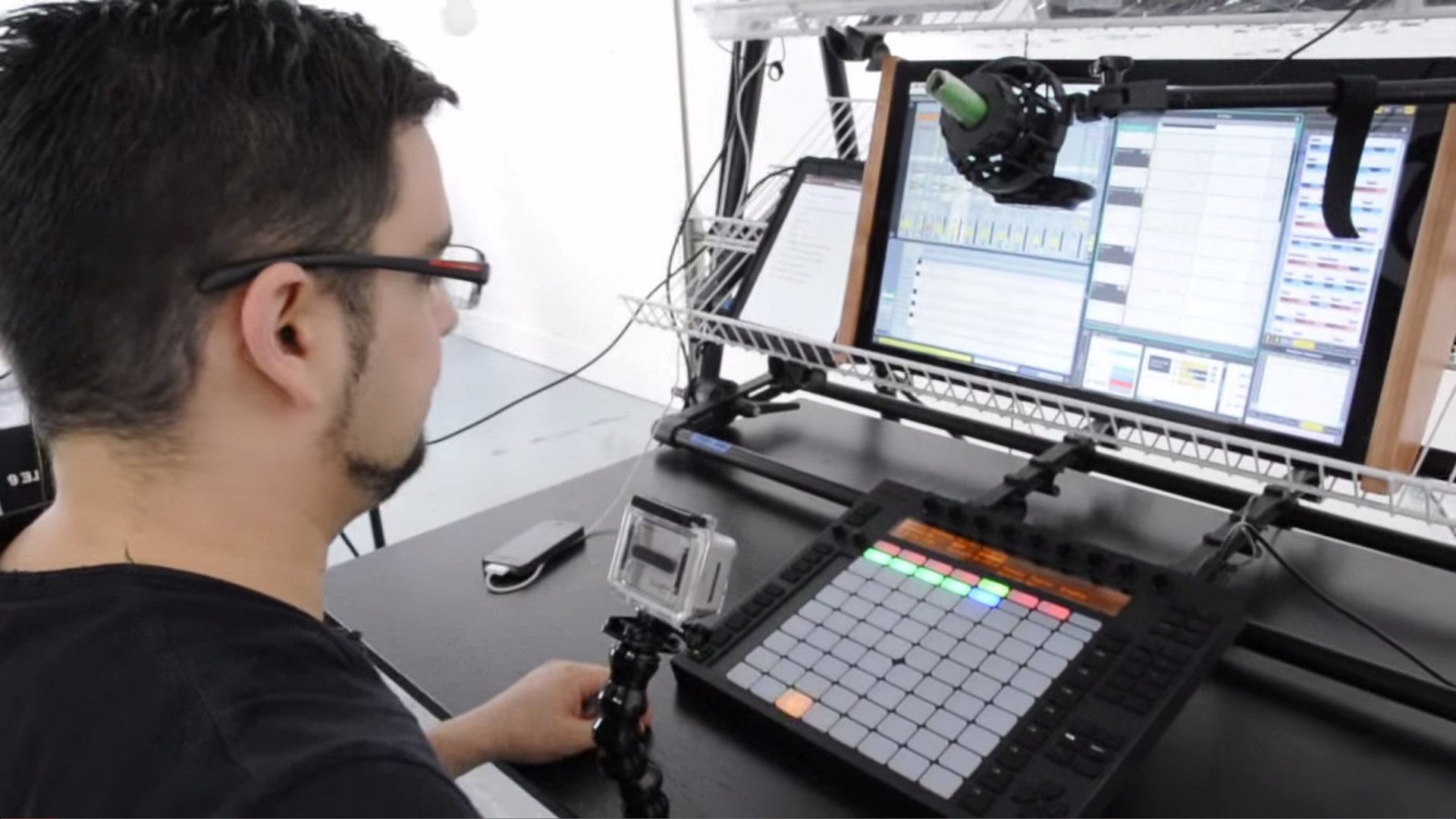
Using the existing Max For Live plugin for Ableton Live 9 and taking full advantage of the hands-on control made possible with Ableton Push, WaveDNA is proud to feature its most advanced MIDI script yet, providing control over many features in Liquid Rhythm. You can navigate over your arrangement, cut, copy, and paste regions, humanize notes, and produce and experiment with beats without ever touching a keyboard or mouse.

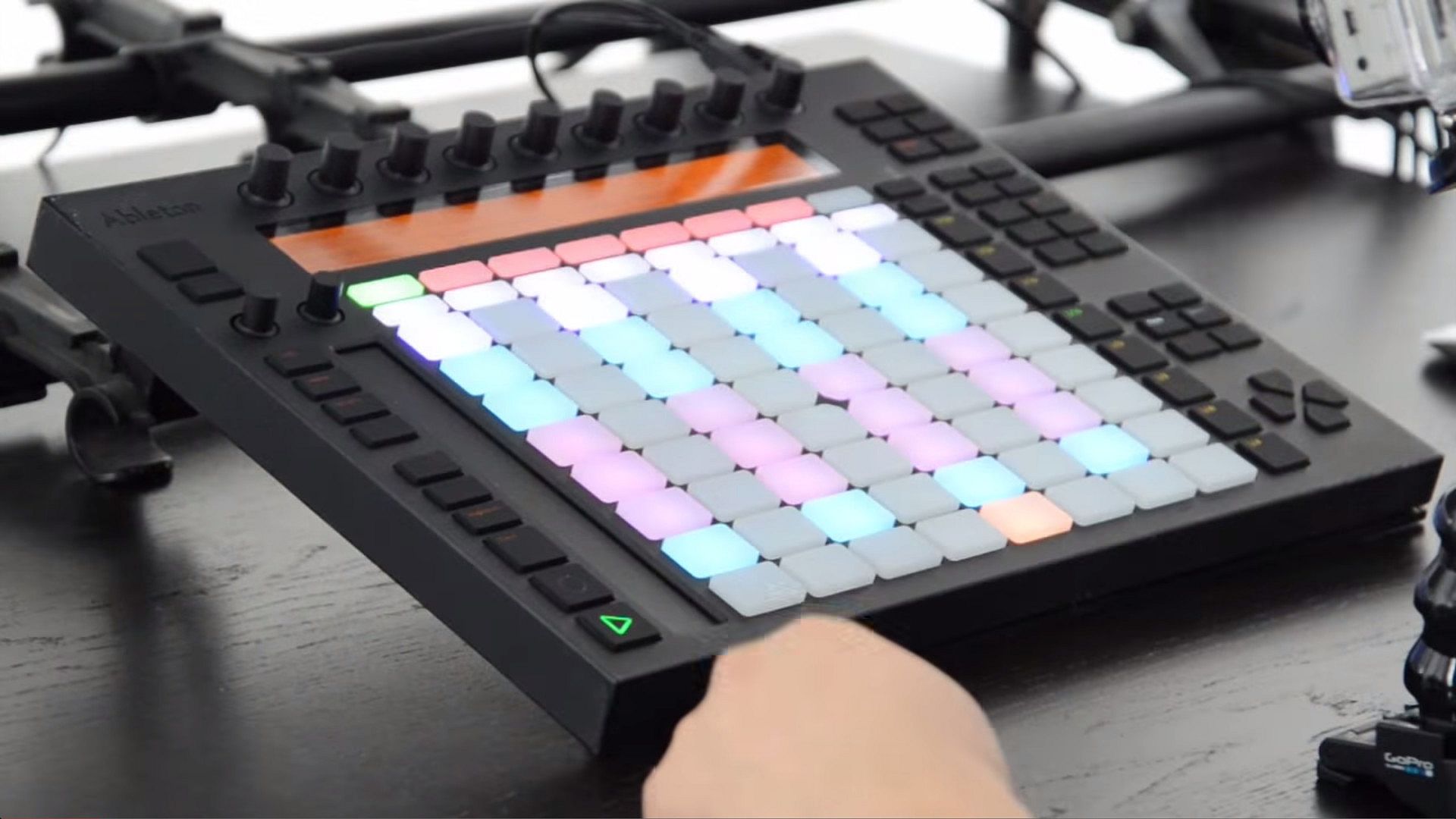
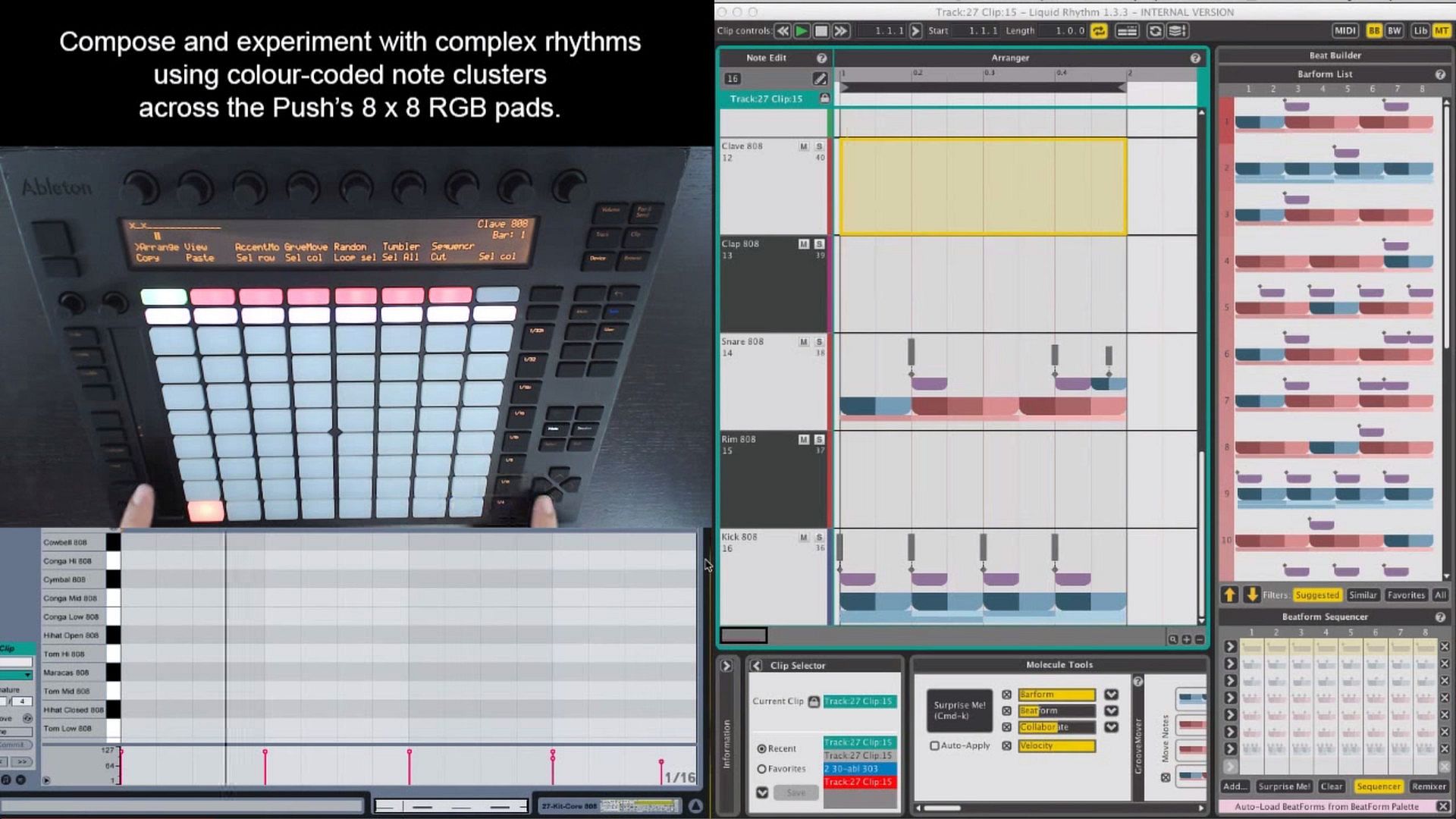
However, the most powerful (and fun!) control is this: The Push’s grid of colour RGB pads can be used to sequence Liquid Rhythm’s colour-coded note clusters. For a fantastic demo of this integration, watch this video featuring DJ Shine:

https://www.youtube.com/watch?v=SiQYHdoHOXs&feature=youtu.be

Features:
  • Edit the contents of Ableton Live clips using the flexibility of Liquid Rhythm’s creative tools and effortless tactile control of Ableton Push.
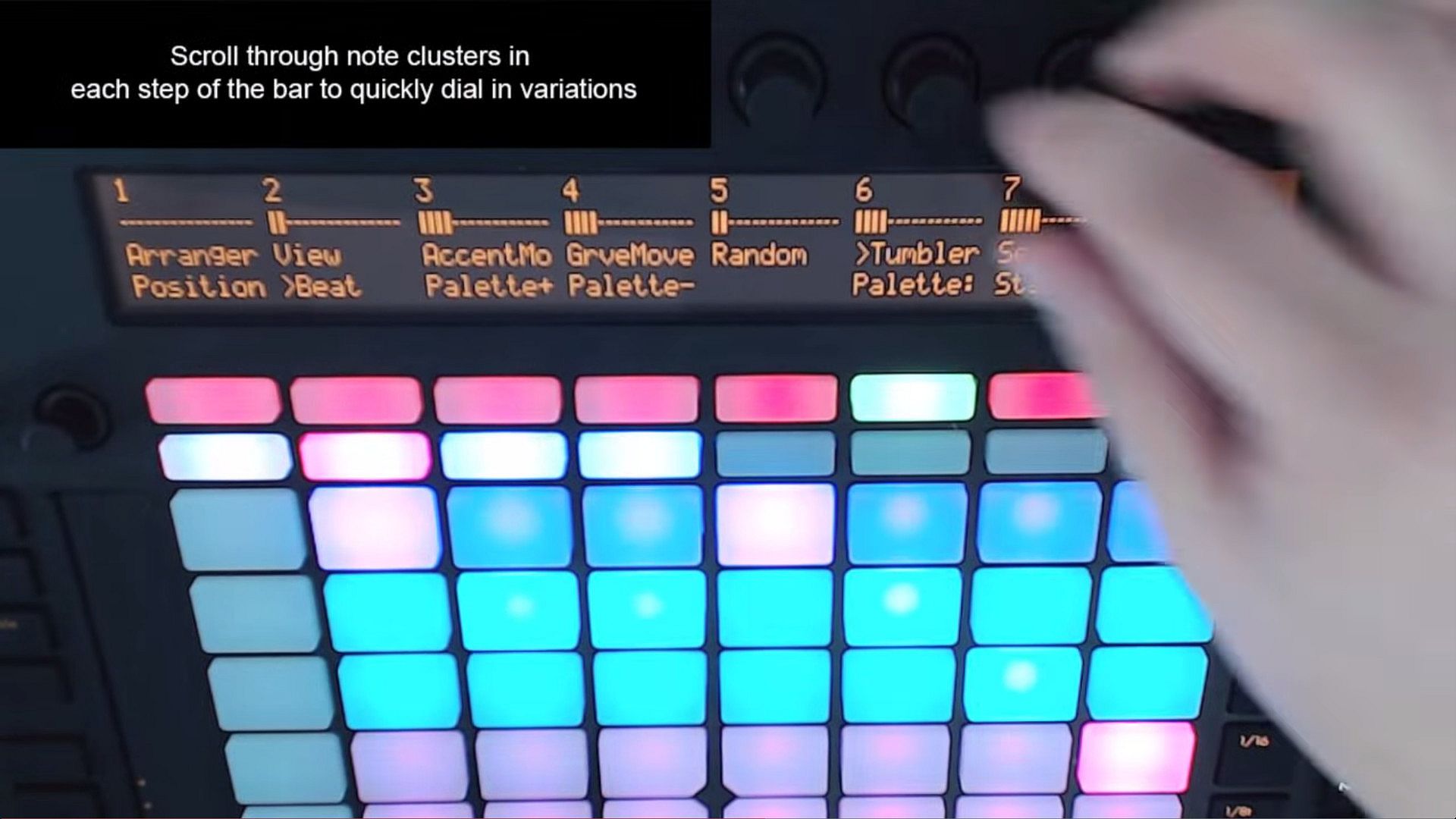
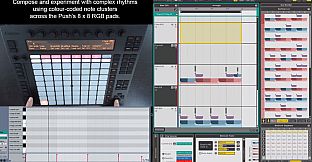
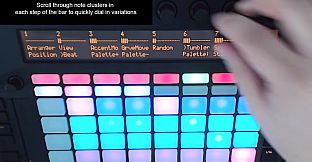
  • Experiment with complex rhythm patterns by programming and swapping color-coded note clusters in Liquid Rhythm’s BeatForm Sequencer using the RGB pads on Push.
  • Cycle clusters of notes through every step of Liquid Rhythm’s sequencer with the turn of Push’s knobs.
  • Quickly navigate Liquid Rhythm’s arranger canvas using buttons and knobs on Push.
  • Draw rhythm patterns using the 64 drum pads on Push.
  • Adjust the swing and velocity of your beat with the 8 knobs on Push.
  • Access Liquid Rhythm’s parameters and controls on Push through the multi-menu display.
Using Ableton’s Push controller with Liquid Rhythm is an exciting way to experiment with your rhythm tracks. It lets you program your ideas into Ableton Live very quickly, by providing a colour-coded interface for inspiring rhythmic improvisation.

For a more detailed overview of exactly how Liquid Rhythm integrates into Ableton Live and how the two are controlled using Ableton Push, watch this video:

https://www.youtube.com/watch?v=oFEGlgMVOcc&feature=youtu.be
Historisches Tief
Preisverlauf von offiziellen Shops
-
-
-
Preisverlauf von Keyshops
-
-
-
Tritt unserem Discord bei
Erhalte Hilfe von der Community und bleibe über Angebote informiert
Preisalarme einrichten
Erhalte E-Mail-Benachrichtigungen wenn Preise fallen
Kostenloses Konto erstellen
Schalte Wunschlisten, Preisalarme und Steam-Sync frei

FAQ

8 Fragen

Bevor du nach einem günstigen Liquid Rhythm Push Control CD Key suchst, wirf einen Blick auf die wichtigsten Fakten. PC Release-Datum: 05 Mai 2014. Genres: Audio Production. Kategorien: Single-player, Downloadable Content.

Q Kann ich Liquid Rhythm Push Control auf dem Steam Deck spielen?

Nein, derzeit nicht. Valve kennzeichnet Liquid Rhythm Push Control als nicht unterstützt auf dem Steam Deck. Es startet aktuell nicht über Proton. Behalte XD.deals im Blick - wir melden dir sofort, wenn ein Weg gefunden ist, Liquid Rhythm Push Control auf dem Steam Deck zu spielen.

Ja. Es gibt eine Steam-Version von Liquid Rhythm Push Control. Wähle ein Angebot mit dem Tag Steam Key auf XD.deals, aktiviere es im Steam-Client und spiele Liquid Rhythm Push Control auf deinem PC.

Ja. Nachdem du deinen Steam Key eingelöst hast, kannst du Liquid Rhythm Push Control im Offline-Modus von Steam starten. Deine Spielstände synchronisieren sich, sobald du wieder online bist.

Ja, du kannst einen Liquid Rhythm Push Control Steam Key direkt im Steam Store kaufen. Auf XD.deals listen wir alle verfügbaren Steam-DRM-Angebote, damit du günstige Liquid Rhythm Push Control Steam Deals auf einen Blick vergleichen kannst.

Alle aktuellen Sales und Rabatte für Liquid Rhythm Push Control findest du hier bei XD.deals. Unser Preis-Tracker listet derzeit 1 Angebote aus offiziellen Shops und 0 Deals aus Keyshops. Sieh oben nach dem niedrigsten Preis, vergleiche ihn mit dem historischen Tiefstpreis des Spiels und setze einen Preisalarm, damit du keinen Preissturz verpasst.

Mit XD.deals sehen PC-Spieler sofort, wo sie einen günstigen Liquid Rhythm Push Control PC Steam Key kaufen können. Unsere Preisvergleichs-Engine in Echtzeit und unsere kuratierte Gutscheindatenbank überwachen jeden offiziellen Shop und vertrauenswürdigen Keyshop. Aktuell erkennen wir dieses Spiel in 1 Live-Angeboten von Shops und Keyshops.

Ja. Eine offizielle Liquid Rhythm Push Control Steam-Seite ist online, sodass du Liquid Rhythm Push Control auf Steam kaufen oder jeden Liquid Rhythm Push Control PC Steam Key auf XD.deals erwerben und sofort einlösen kannst.

Nein - XD.deals ist kein Shop. Wir sind ein Preisvergleichs-Service, der die besten Angebote für Liquid Rhythm Push Control aus offiziellen Shops und verifizierten Keyshops verfolgt. Klicke 'Jetzt kaufen' neben dem gewünschten Deal, um zum Händler zu wechseln und dort den Key zu erhalten.

Beste Preise für Liquid Rhythm Push Control

1 Steam Steam Official
3,99 €

Bereit zum Zocken? Setze einen Preisalarm auf XD.deals und sichere dir einen reduzierten Liquid Rhythm Push Control Steam Key, sobald er sein nächstes Allzeit-Tief erreicht.

Alarm erstellen